
AI segmentation
Turn CBCT scans into 3D anatomy
Isolate jawbone, a full arch of teeth or an individual tooth with its roots. Review the editable 3D surfaces in an implant plan or export them as STL files.
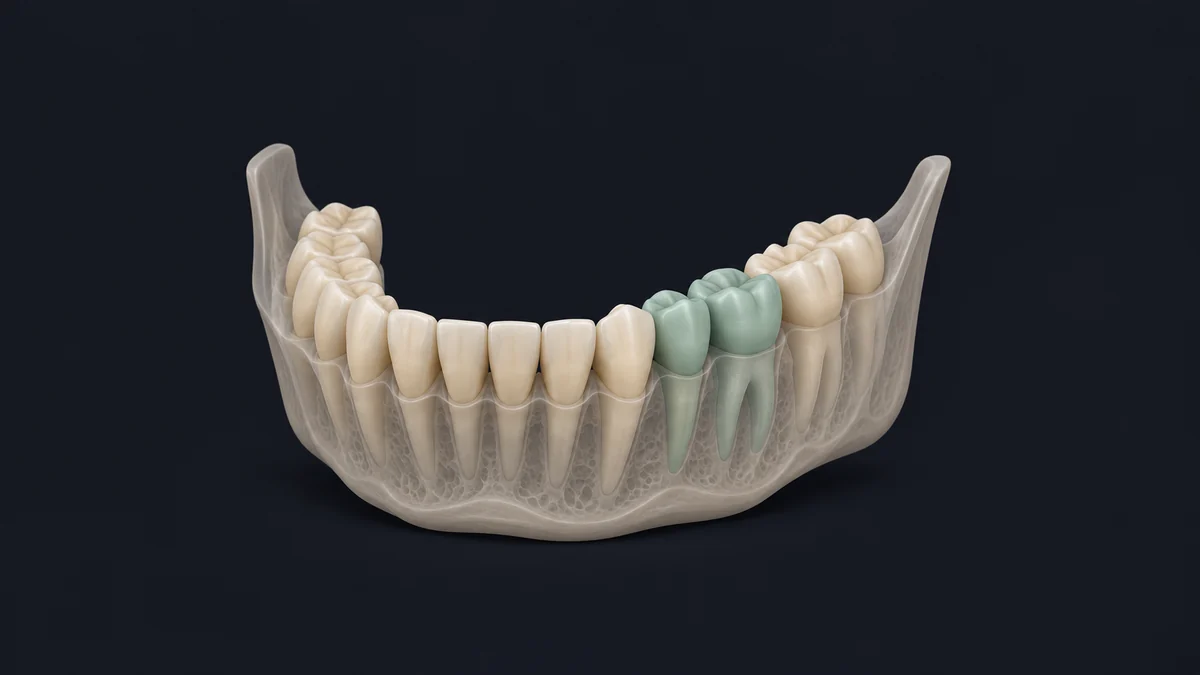
Supported anatomy
- Start with
- CBCT in DICOM format
- Output
- 3D anatomy models for planning or STL export
-
Upper jaw
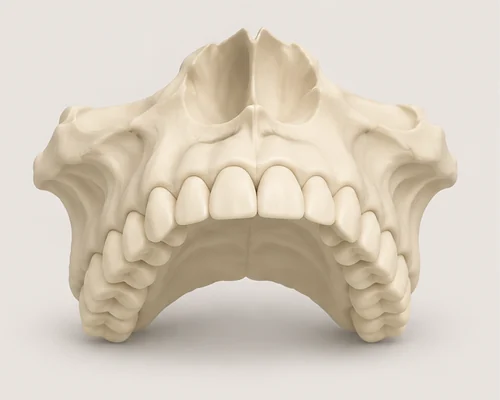
View the maxilla on its own or alongside the upper teeth.
-
Lower jaw
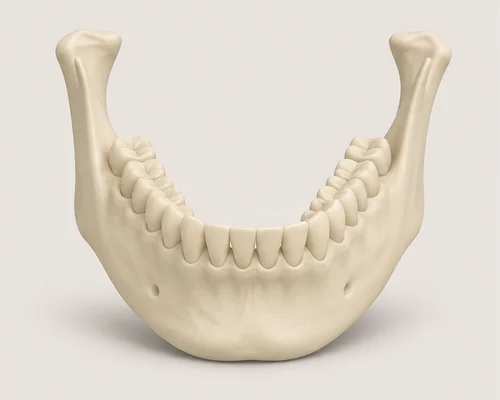
Isolate the mandible to see its shape from any angle.
-
Groups of teeth
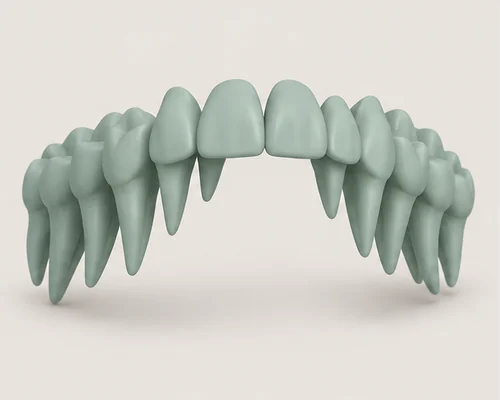
Keep the upper or lower teeth together as one 3D surface.
-
Individual teeth
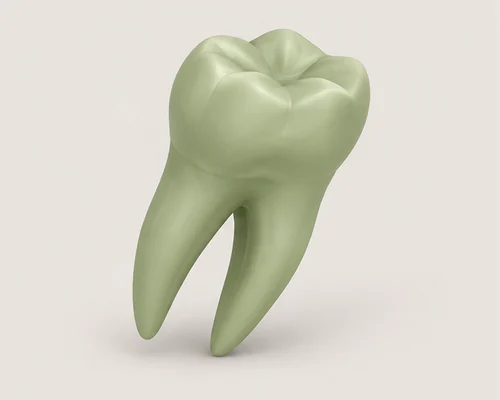
Separate 3D surfaces for individual teeth and their roots.
See your patient’s anatomy in 3D.
Separate the teeth and jawbone from a CBCT scan, then use the surfaces in an implant plan or export them as STL files.