
Launcher Interface
Open a case, prepare DICOM data and set up your planning workspace.
Read guideStart a case, plan implants, inspect segmentation and work through Atomica design tools.
These guides are edited from Atomica documentation captured in 2026. Screens and controls may vary with your software version.
Choose the teeth involved and inspect the panoramic curves used in planning.
Read guideImport surface scans, check their CT alignment and add opposing or denture scans.
Read guideReview anatomy, select components and refine implant positions in multiple views.
Read guideChoose a surgical kit and review sleeve dimensions, position and offset.
Read guideGenerate a plan report, review its drilling details and export case objects.
Read guide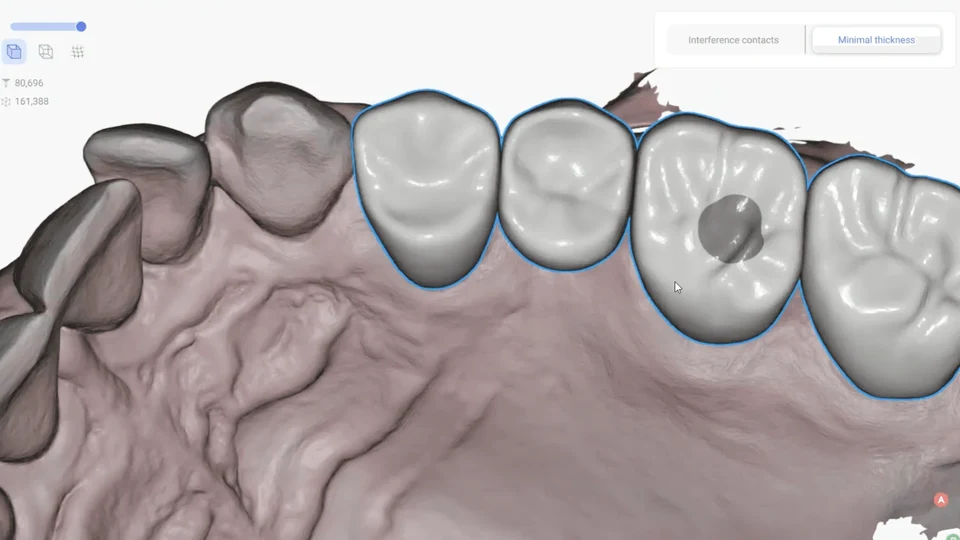
Import a scan, define a margin, refine a restoration and export the design.
Read guide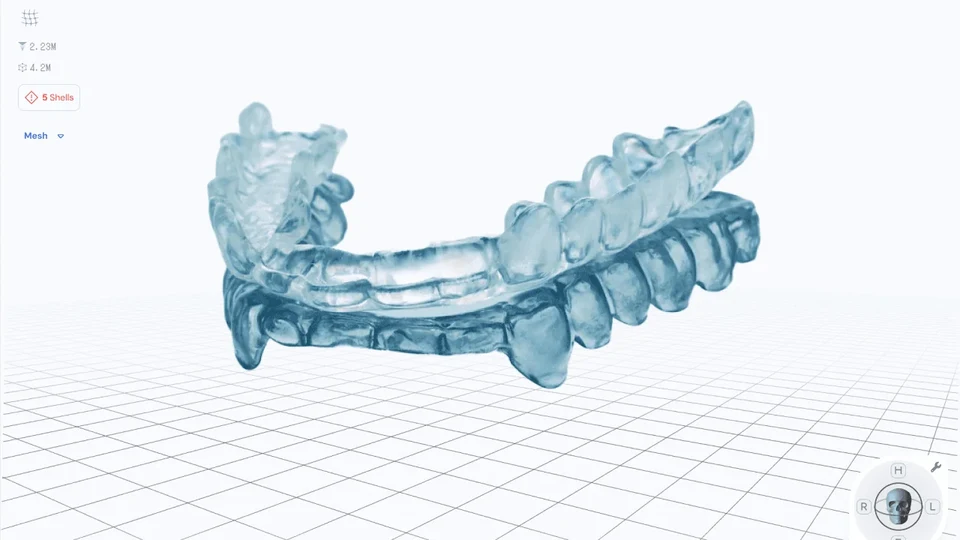
Set up the arches, adjust the bite opening and generate an occlusal splint.
Read guide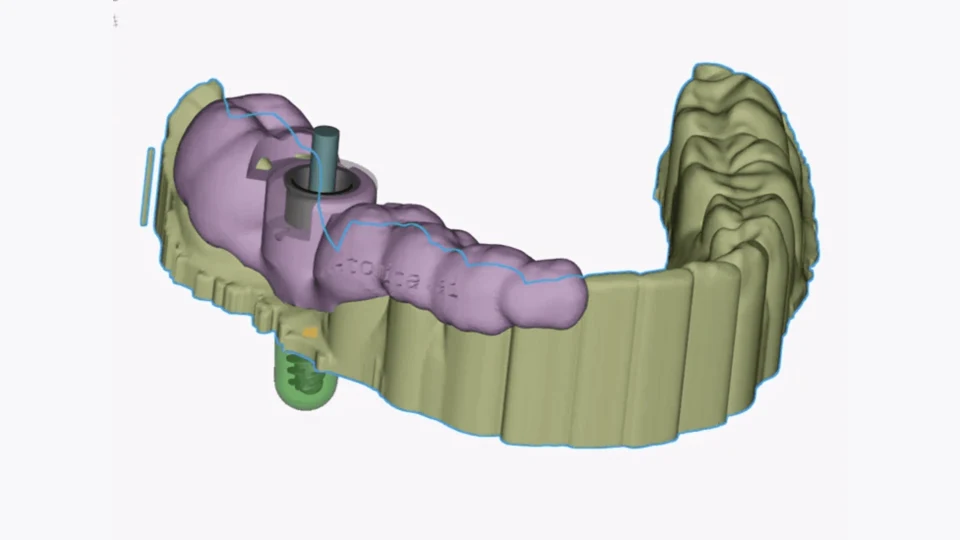
Define the seating area, generate a guide and adjust case-specific details.
Read guideOpen a design case, set workspace preferences and export a model.
Read guideImport a model, add basic shapes and combine or subtract geometry.
Read guideSelect, repair, cut and refine model geometry in the Design app.
Read guideBuild and inspect the components of a stackable full-arch guide.
Read guidePrepare printable models, add alignment pins and labels, and export STL files.
Read guide