
Brand guidelines
Use Atomica’s logos, colors, type and imagery to design websites, campaigns and presentations.

Wordmark
Use the master artwork at its original proportions. Leave at least one wordmark height clear on every side.

Color palette
Use warm white and graphite for the page. Reserve orange for the action you want people to take.
Orange
#EB622EPrimary action
Graphite
#1F2329Headlines and dark backgrounds
Warm white
#F8F7F4Main background
Slate
#59616BSupporting text
Mist
#E6E8EBDividers and surfaces
Set orange button labels in action ink (#16191D). For small accent text on warm white, use rust (#A8441B).
Typography
Set headlines in Inter SemiBold (600), labels and actions in Medium (500), and body copy in Regular (400). Use Arial when Inter is unavailable.
| Role | Desktop | Mobile |
|---|---|---|
| Hero | 56 / 62 | 40 / 46 |
| Section heading | 40 / 48 | 30 / 36 |
| Body | 18 / 28 | 16 / 24 |
| Label | 14 / 20 | 14 / 20 |
Align the headline, copy and primary action to one left edge. Stack them in that order on a narrow screen.
Product imagery
Choose a view that explains the product. Use a rendering to show its form and a documented case to show a clinical result.

Software
Show the tool and anatomy together. Crop to the decision being made and remove patient identifiers.
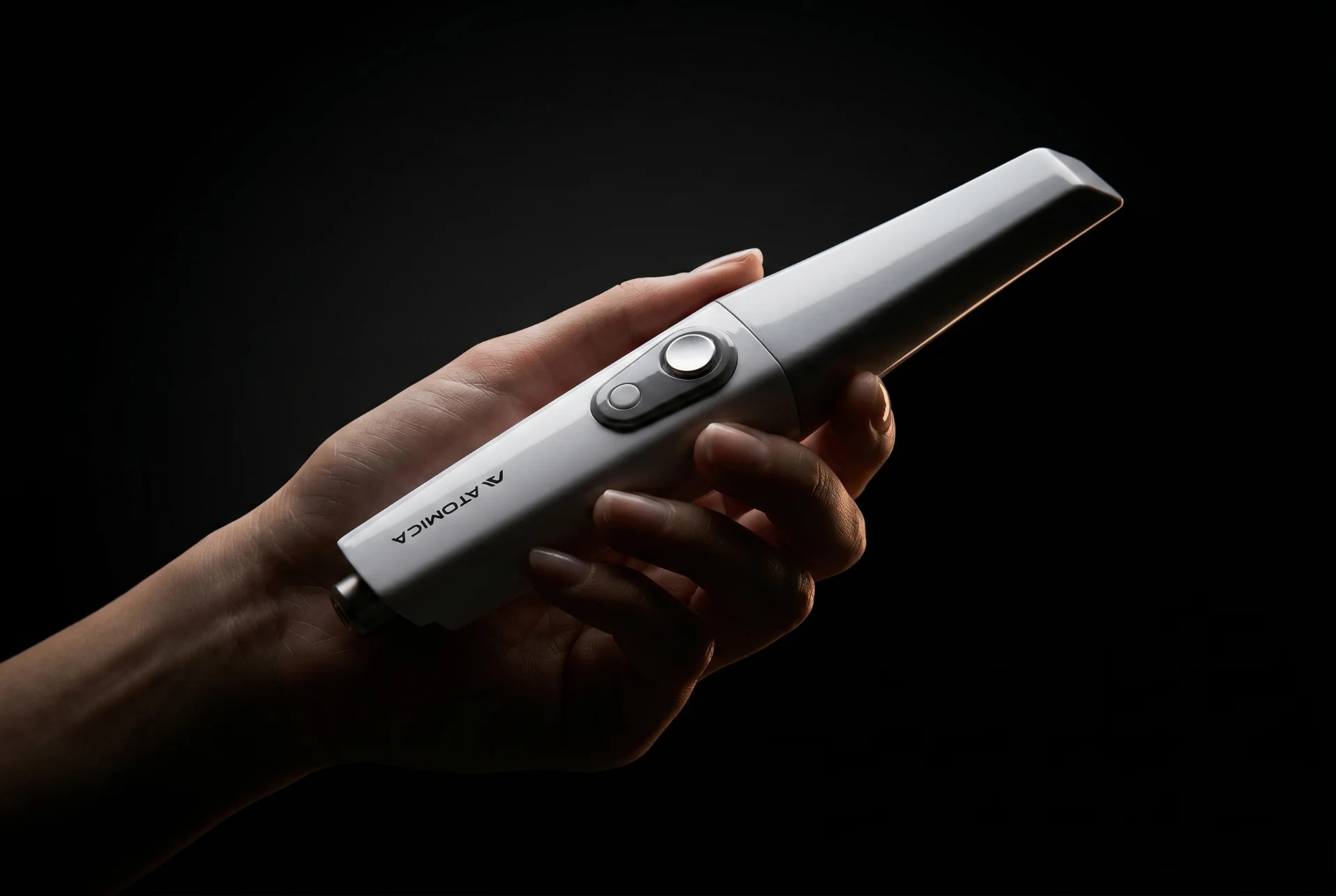
Equipment
Photograph the actual device. A hand gives the S300 scale and makes its controls easy to recognize.
Voice and calls to action
Introduce Atomica as AI-powered dental planning and design software. On product pages, name the workflow and say what the clinician can do.
| Destination | Button text |
|---|---|
| Software signup | Try Atomica |
| Software demo | Book a software demo |
| Equipment demo | Book a live demo |
| Bundle checkout | Buy equipment bundle |
Give the main action a filled button and an optional second action a text link. In email and social campaigns, carry the same offer through to the landing page. For slides and booth graphics, enlarge one product detail and keep the headline readable at a distance.