
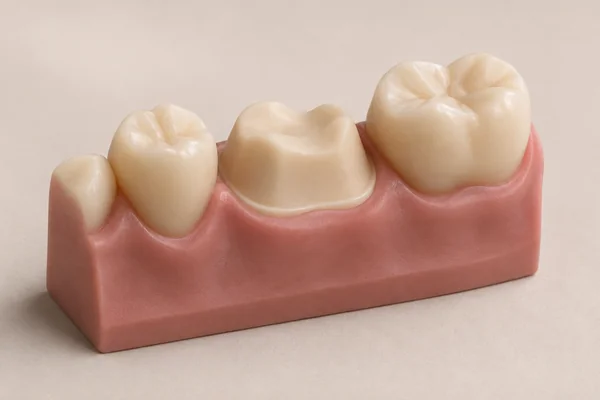
Capture the preparation
Scan the prepared tooth, opposing arch and bite with the S300. Review the margin and fill any gaps before the patient leaves the scanning position.
Explore the S300 scannerChairside solution
See how the Atomica S300, Crown AI and the chairside printing system work together on a single restoration.
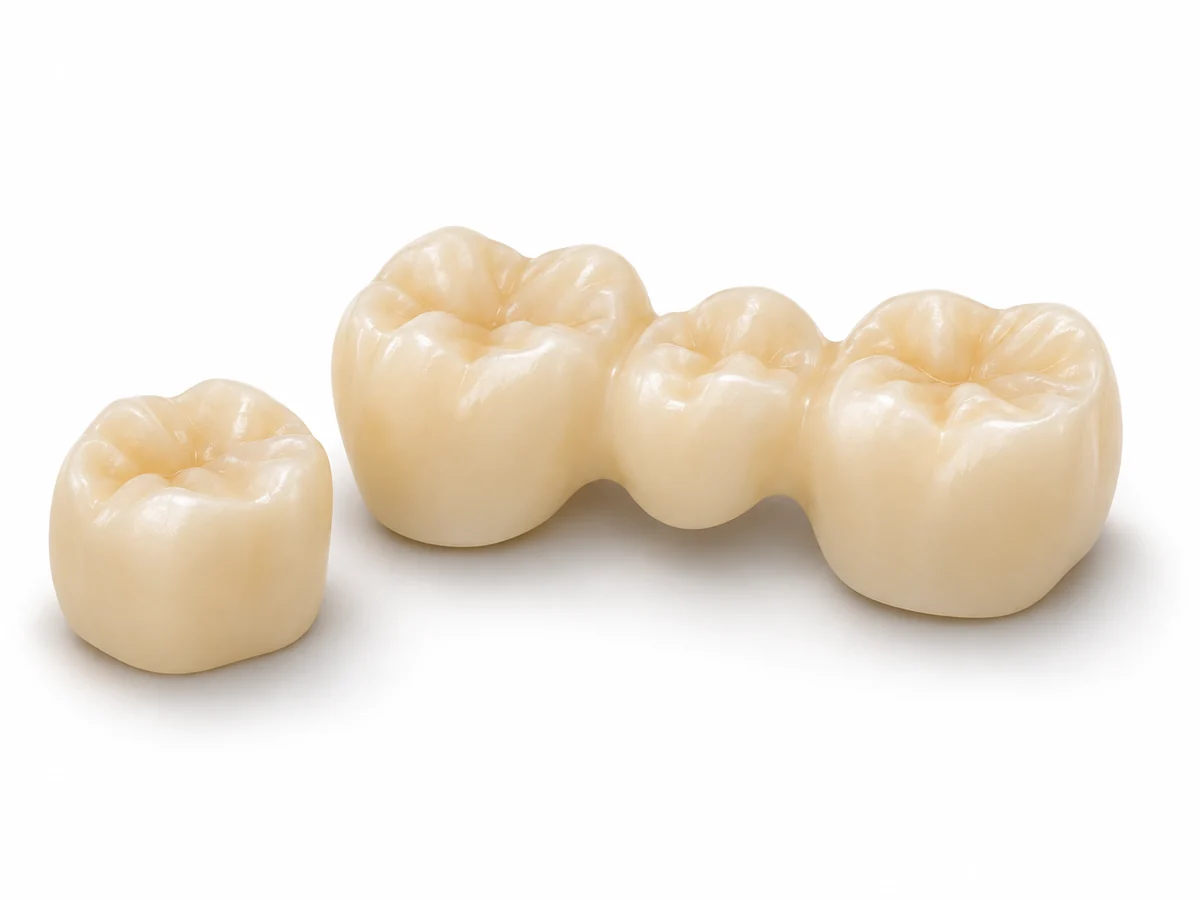
Scan the prepared tooth, opposing arch and bite with the S300. Review the margin and fill any gaps before the patient leaves the scanning position.
Explore the S300 scanner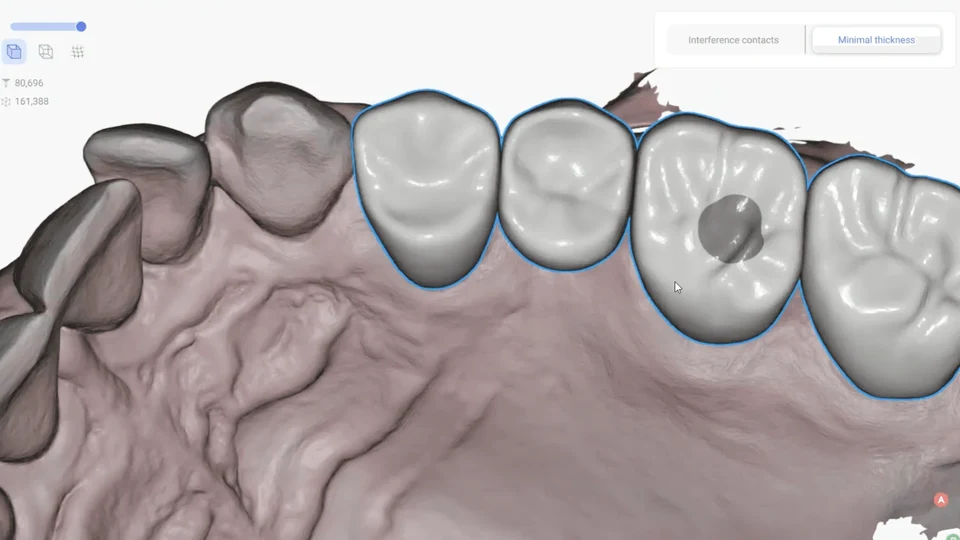
In Crown AI, set the margin and insertion direction, then review the proposed anatomy, contacts and occlusion before export.
Explore Crowns & restorations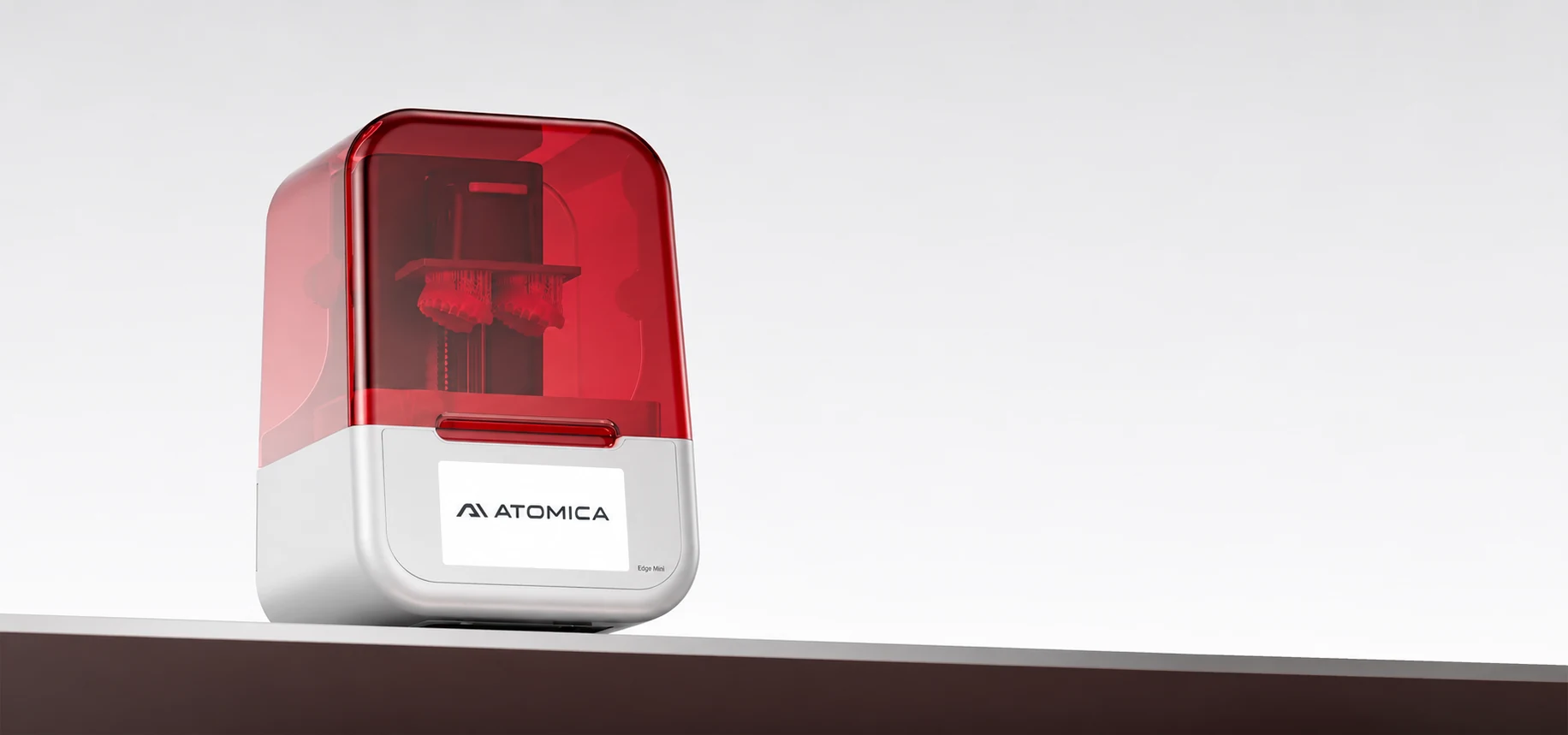
Choose a temporary crown-and-bridge resin supported by your printer. Follow its print and post-curing instructions, finish the restoration, then verify fit, contacts and occlusion before delivery.
Explore the printing systemEquipment bundle
The chairside equipment bundle pairs the S300 scanner with the Atomica 3D printer, ultrasonic washer and UV curing unit.