
Powering Glidewell’s fastplan.io™
Glidewell’s chairside software uses Atomica’s 3D planning technology to bring a patient’s CBCT and intraoral scans together. Clinicians can plan an implant and design its surgical guide in the same workspace.
Explore the workflow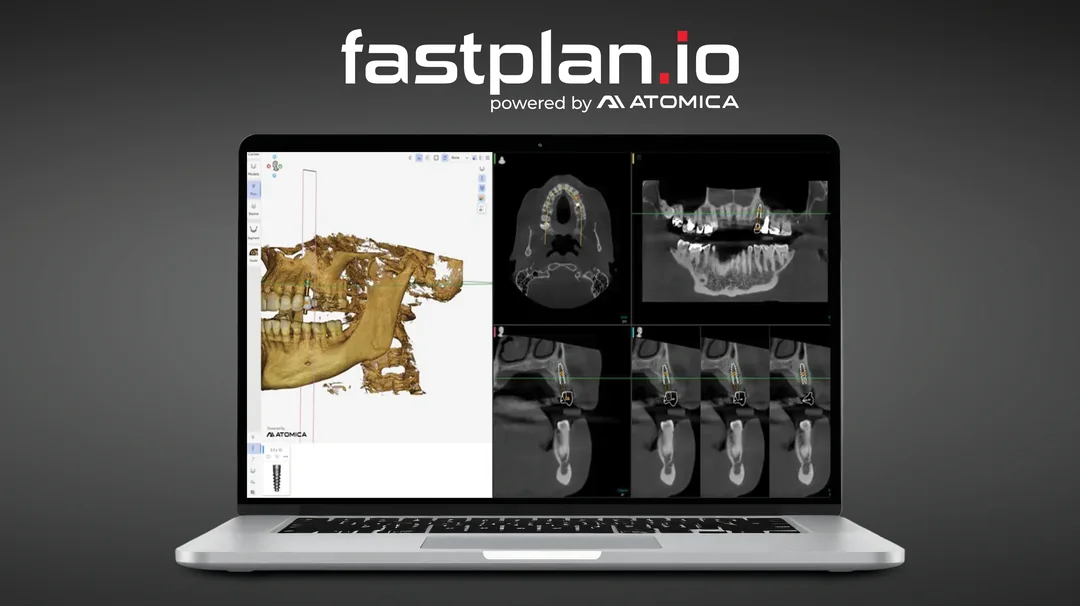
From scan to surgical guide
-
Align the scans
The software automatically aligns a CBCT scan in DICOM format with an intraoral scan in STL or PLY format. The clinician can see the teeth and underlying bone together.
-
Review implant placement
AI assists with the initial plan. The clinician reviews the proposed implant position in 3D and in cross-section, then adjusts its position and angle as needed.
-
Produce the surgical guide
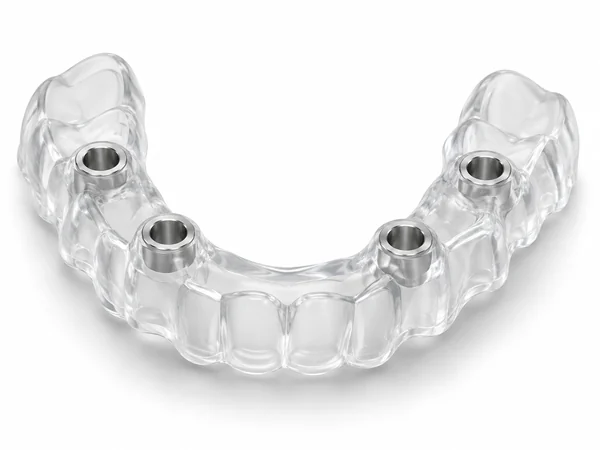
Once the plan is approved, the practice can design the guide and print it in-office or send the case to Glidewell for fabrication.
Glidewell’s launch announcement
Glidewell introduced fastplan.io™ at the American Academy of Implant Dentistry’s annual conference in Nashville on .