
Intraoral scanner
Atomica S300
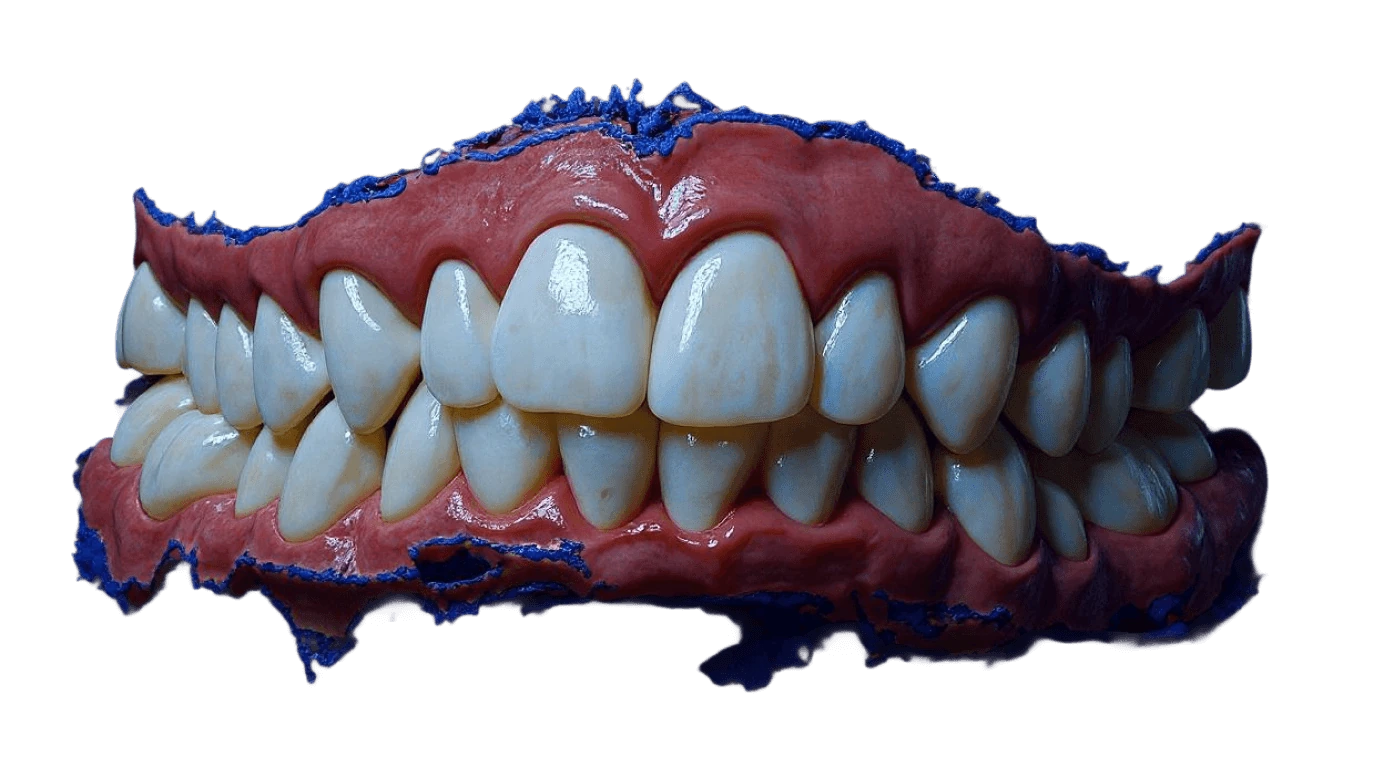
Capture a crown preparation or a full arch in color. Check the bite chairside, then send the case to your lab.
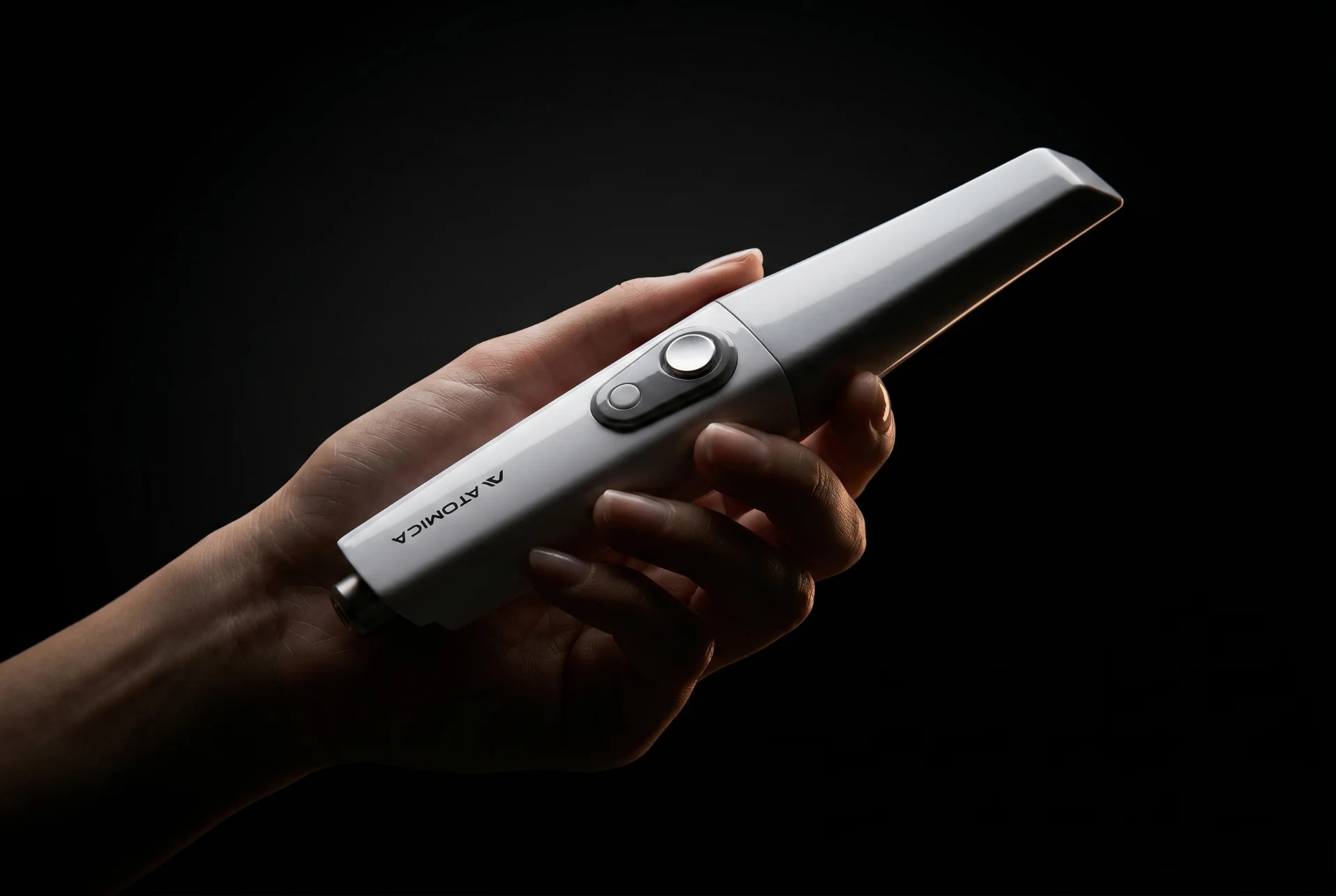
$5,900 USD Was $9,000
- Scan accuracy
- <10 µmSingle crown <20 µmFull arch
- Open lab file formats
- STL, PLY, OBJ
- Standard scan & export
- No subscription
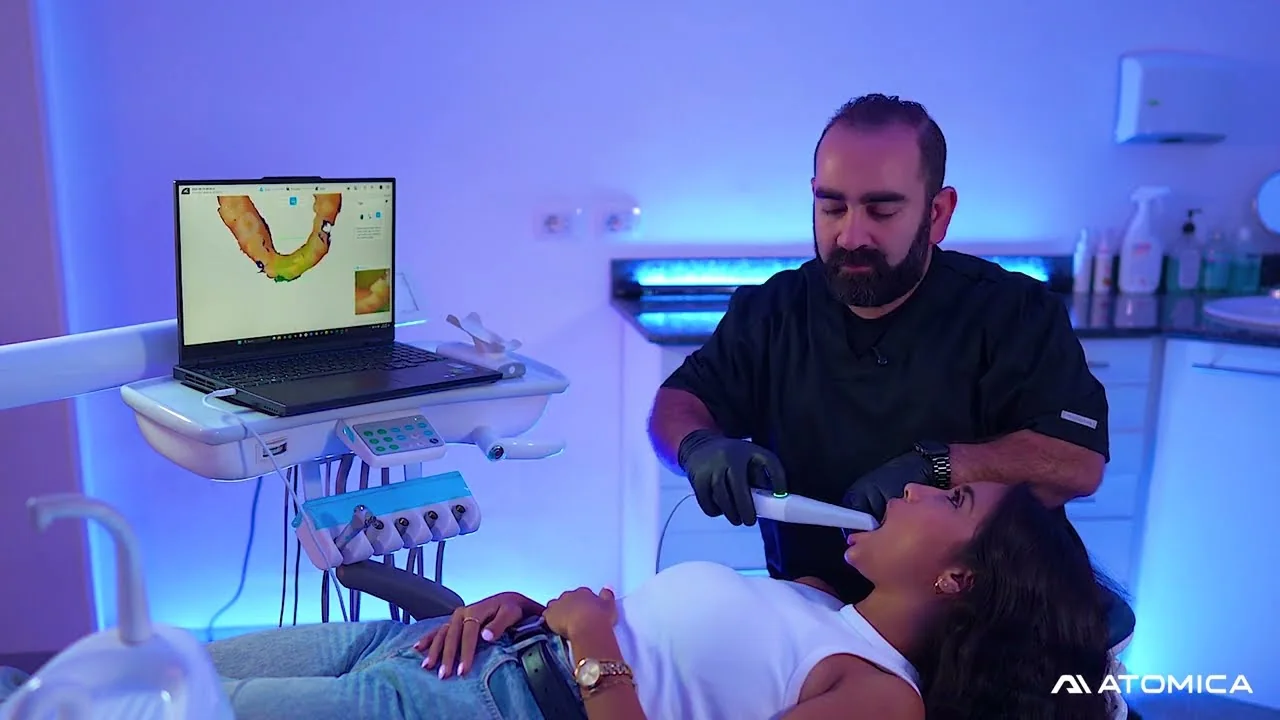
Chairside demonstration
Watch the S300 scan an arch.
Follow the clinician’s hand and the color model on the laptop, from capturing the arch to registering the bite.
-
Crowns & bridges
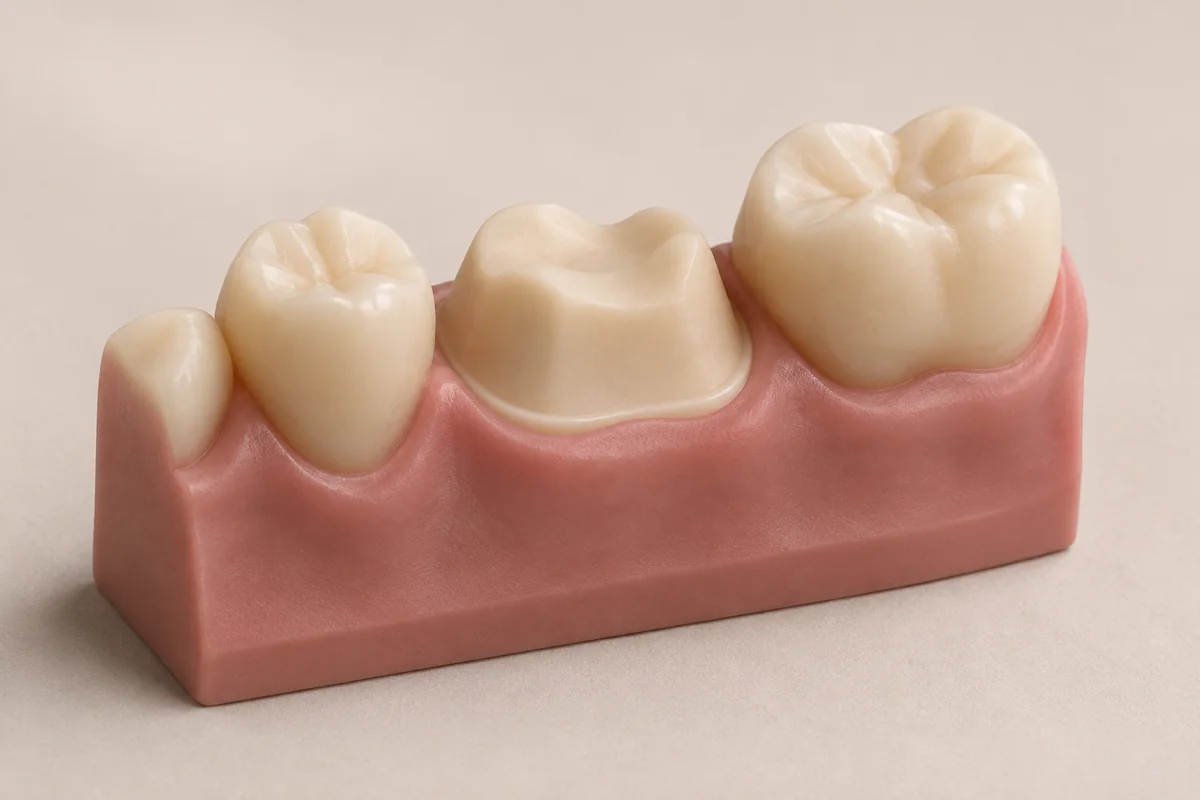
Review the preparation margin in color. Send the prepared arch, opposing arch and bite record to your lab.
View illustrated preparation -
Implants & surgical guides
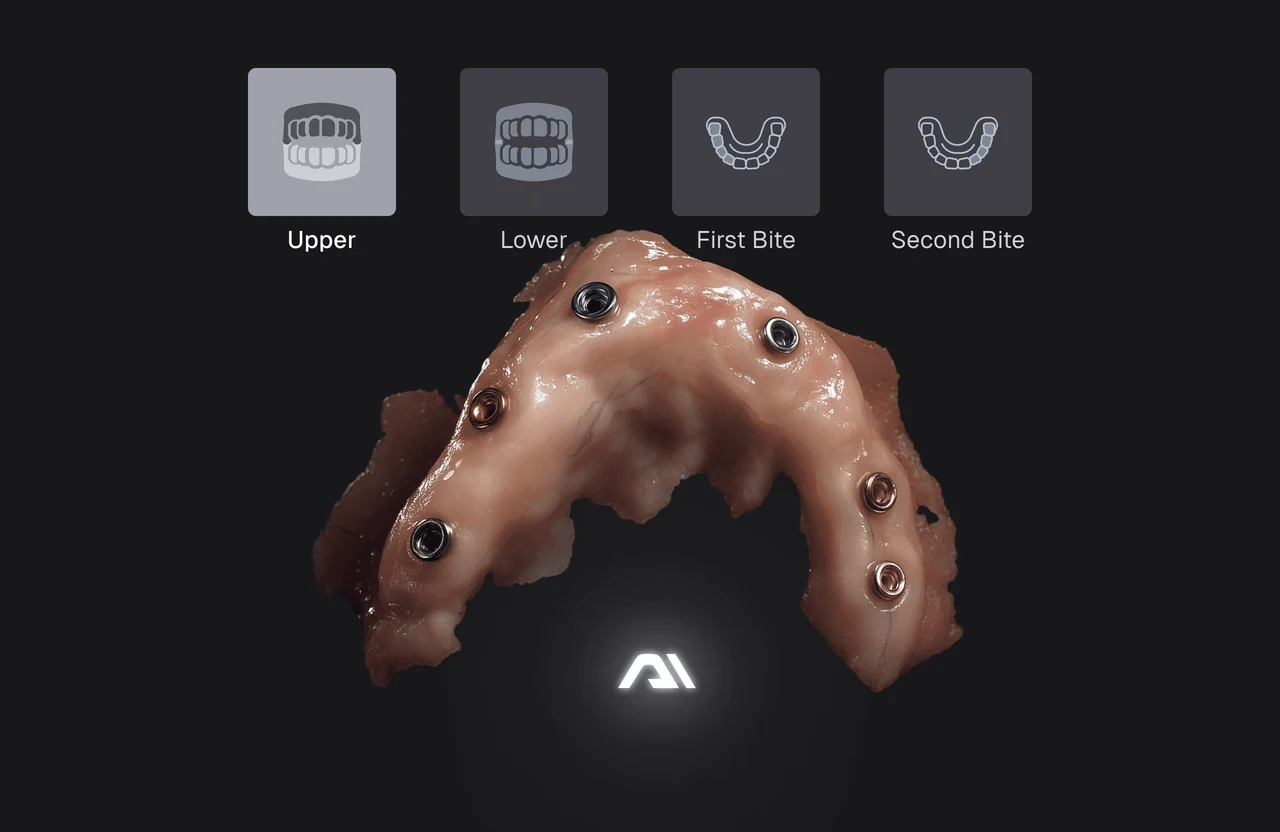
Capture a compatible scan body and the surrounding tissue for an implant crown. For guided surgery, pair the surface scan with the patient’s CBCT.
-
Dentures
Scan the edentulous ridge and surrounding soft tissue to document the anatomy that will support the denture.
-
Orthodontics & splints
Record both arches and how they meet for orthodontic study models, retainers or an occlusal splint.
S300 packages
Choose your scanner package
Use a compatible Windows computer or get a laptop configured for scanning with your S300.
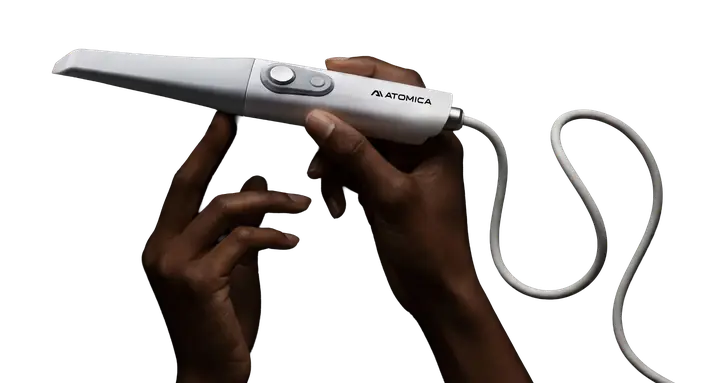
Save ~34% on the scanner alone or 31% with a laptop. Both purchase links apply BLKFriday at checkout.
- S300 handpiece and detachable USB-C cable
- Scanning software for Windows. Laptop included with the $6,900 package.
- Open file export and onboarding guidance
- 3 standard tips, 1 mini tip and a protective cover
Online checkout is available in the US and Canada. Contact international sales for other destinations. Shipping details.
S300 workstation checklist
The scanner-only package uses your Windows computer. The $6,900 package includes a laptop configured for the S300.
- Connection. Check that your computer has a USB-C port that supports USB 3.0 data transfer.
- Windows, processor and memory. Open Settings → System → About. Note your Windows version, processor model and installed RAM.
- Graphics. Open Task Manager → Performance → GPU. Note the graphics card model and dedicated GPU memory.
Send those details and your computer’s make and model to our team. We’ll confirm whether it can run the S300 scanning software before you buy.
Check my workstation with AtomicaHardware & specifications
Advanced scanning, thoughtfully engineered.
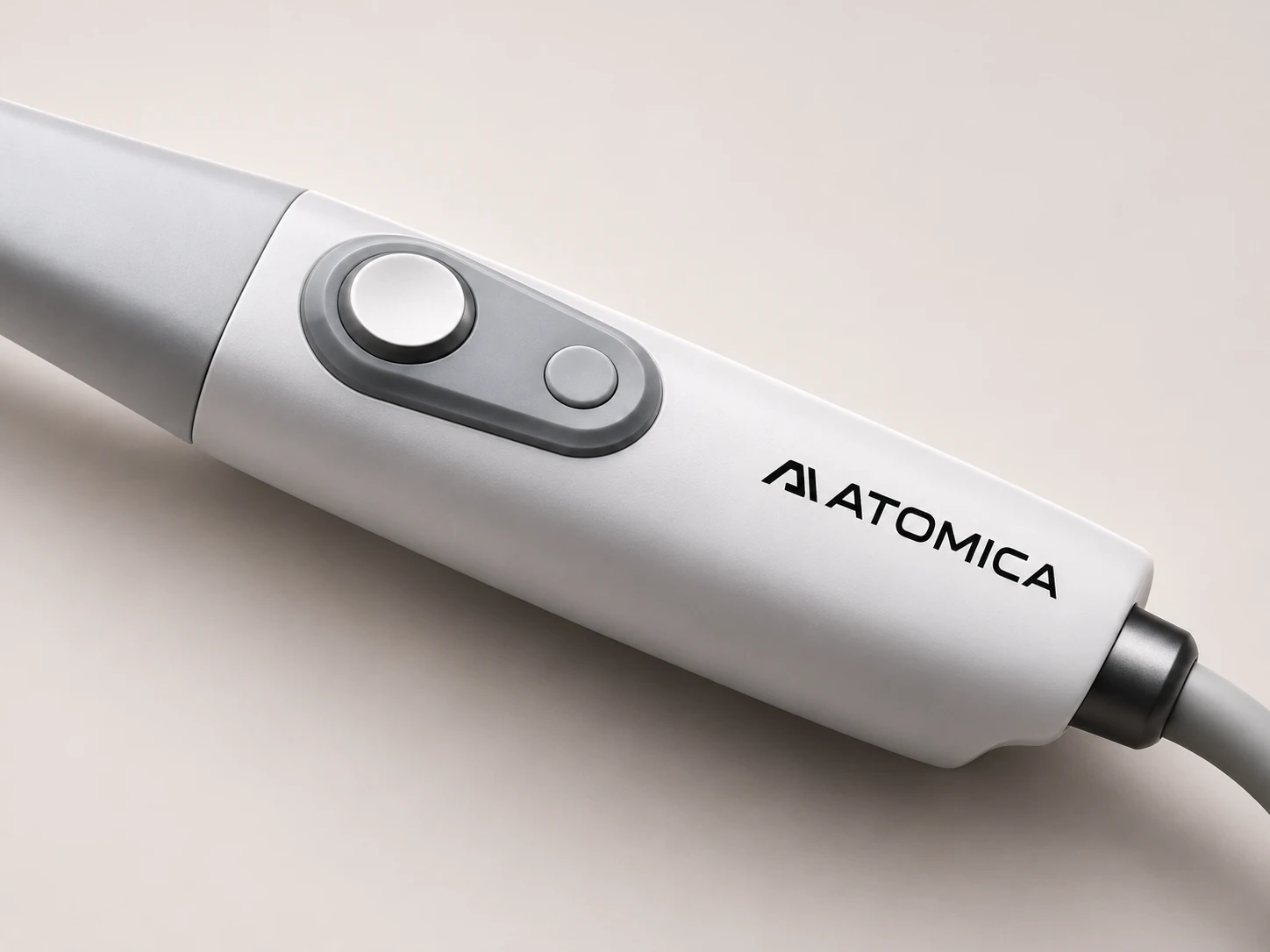
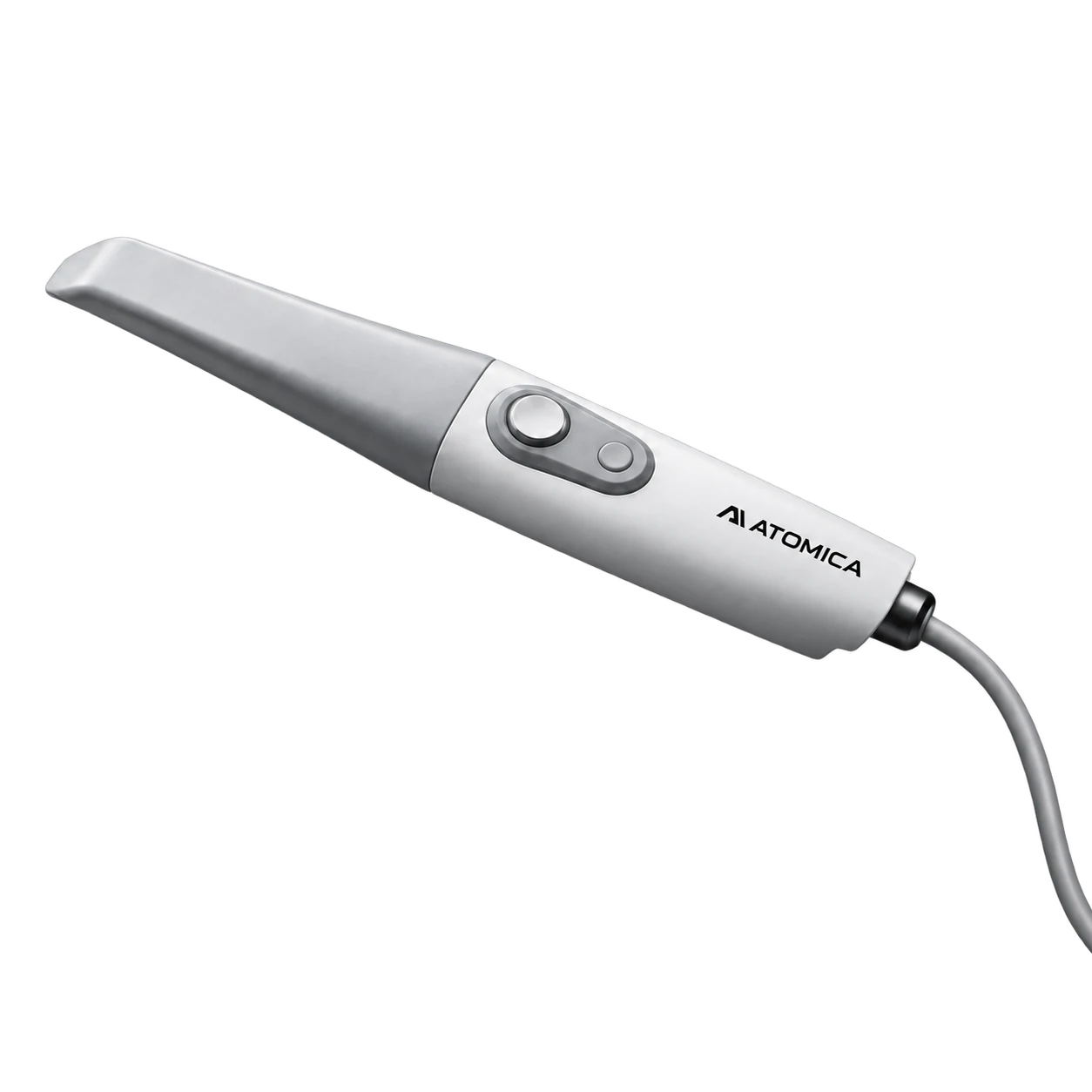
Built around the scanning workflow, the S300 pairs thumb-controlled arch switching with live color capture. Fan-assisted airflow helps keep the tip mirror clear as you work.
Optics & accuracy
- Optical depth of field
- 0–25 mm
- Video capture
- Continuous optical video at 20 frames per second
- Anti-fog system
- Fan-assisted airflow
- Scan accuracy
- Single crown <10 µm
Full arch <20 µm
Handpiece & workstation
- Handpiece weight
- 160 g, excluding the cable
- Handpiece dimensions
- 243 × 40 × 32 mm
- Connection
- USB 3.0 via USB-C
- Computer platform
- Windows
- Export formats
- STL, PLY (true color), OBJ
Scanning tips & care
| Tip size | Standard | Mini |
|---|---|---|
| Included | 3 | 1 |
| Head width × height | 21 × 16 mm | 17 × 13 mm |
| Optical scan area | 16 × 14 mm | 12 × 10 mm |
Both tips are 115 mm long and autoclavable for up to 100 cycles. Follow the supplied cleaning and sterilization instructions.
Common questions
Is there a scanning subscription?
Standard scanning and open file export require no subscription.
Can I use the S300 with my existing lab?
Yes. Ask which format your lab accepts. STL carries surface geometry, PLY preserves color, and OBJ is also available.
Can I use a computer I already own?
Yes. Choose the scanner-only package and use a compatible Windows workstation. Use the S300 workstation checklist to send our team the details for a compatibility check before you buy.
How can I compare scan quality for my cases?
A review of 53 studies found that full-arch accuracy varied with the scanner and the clinical situation. Bring a representative preparation or arch to a demo and have your lab inspect the exported file. Read the research on full-arch scanning.
What are the warranty and return terms?
For the S300 scanner only and the S300 with laptop, ask support to confirm return eligibility and warranty terms in writing before purchase. Read the return policy.
Live scanner demo
See the S300 on a crown case.
Ask to see a preparation margin, color-coded bite contacts and a true-color PLY export for your lab.